Voice to Text for Filipino Creators: Subtitle Workflow for TikTok, Reels, and Shorts

Eric King
Author
Voice to Text for Filipino Creators: Subtitle Workflow for TikTok, Reels, and Shorts
If you publish short-form content in the Philippines, you already know the bottleneck is rarely filming. It is usually post-production: captions, script cleanup, and repurposing one clip into multiple posts.
This guide focuses on one practical workflow:
export file -> transcribe -> draft subtitles -> edit for mobile -> repurpose
It is written for creators and small teams shipping frequent TikTok, Reels, and Shorts content.
Related reads:
Why this matters for PH creator teams
- Audience retention drops quickly when on-screen text is hard to read.
- Many viewers watch on mute first, especially on short-form feeds.
- Sponsors and client teams need editable scripts for approval.
- A clean transcript helps you repurpose one clip into captions, hooks, carousels, and follow-up scripts.
The goal is not just "transcription." The goal is faster publishing with fewer revision loops.
Core workflow (file-first, not link-paste)
- Export your source audio or video file from editor/camera.
- Upload to SayToWords.
- Select spoken language (or auto-detect when available).
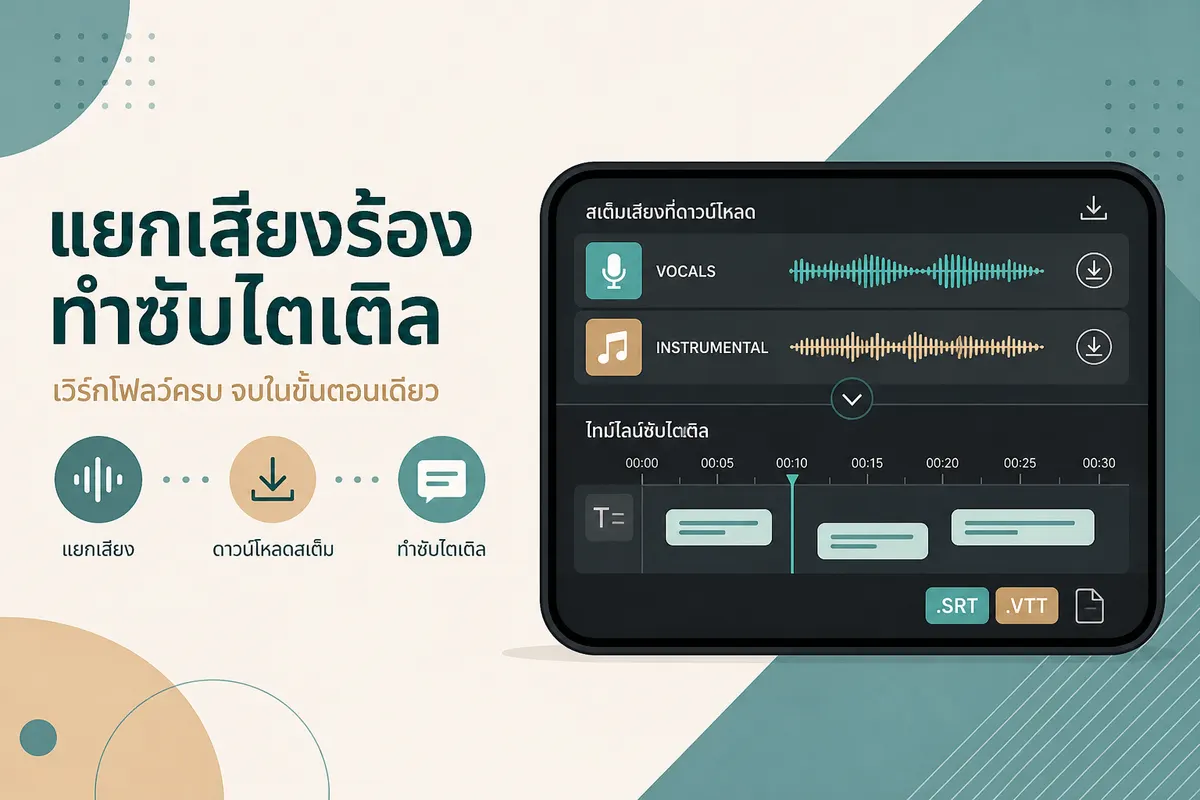
- Generate transcript and subtitle draft (TXT / SRT / VTT as available).
- Edit line breaks for mobile readability in your editor.
- Publish platform versions (TikTok / Reels / Shorts), each with small copy differences.
Important: do not rely on "paste platform link and auto-transcribe." For reliable output, use exported files.
Caption quality checklist for short-form
| Check | Why it matters |
|---|---|
| First 1-2 seconds hook text | Stops scroll faster than long intros |
| Line length | Mobile readers skip dense subtitle blocks |
| Proper nouns and prices | Most frequent AI transcript mistakes |
| CTA wording per platform | "Link in bio" style differs by channel |
| Timing drift | Small offsets make captions feel low quality |
Treat transcript output as a draft. Human review is still where quality happens.
Repurposing playbook from one transcript
From one clean transcript you can create:
- Platform caption: concise, hook-first, CTA-last.
- Pinned comment: key offer, resource, or clarifier.
- Carousel copy: break key points into 4-6 frames.
- Next-script draft: turn top comments into next video hooks.
This is where transcript ROI appears: less rewrite time, more posting consistency.
Common mistakes (and fixes)
1) Exporting with loud background music only
If music overpowers speech, transcript quality drops. Prefer the cleanest speech-forward track when possible.
2) Using one subtitle block for all platforms
TikTok, Reels, and Shorts have different reading pace and UI overlap. Keep platform-specific line breaks.
3) Skipping final copy pass
Brand names, promo codes, and percentages are high-risk fields. Always run one final manual check.
FAQ
Is this useful if I already use auto-captions in my editor?
Yes. Auto-captions are good for rough drafts, but a separate transcript is better for team review, reuse, and cross-platform repurposing.
Can I use this for mixed English/Tagalog speech?
Yes. Start by transcribing what is actually spoken, then edit line clarity for the final audience version.
Do I need SRT/VTT every time?
Not always. TXT can still power script cleanup and repurposing. Use SRT/VTT when you need timeline-based subtitle editing.
Is this only for creators?
No. Small agencies, brand teams, and social media managers can use the same workflow for faster review cycles.
Summary
For Filipino creators, the biggest win is not just converting voice to text. It is using transcript-first production to ship faster across platforms.
Start here: