ElevenLabs Audio to Text: Turn TTS Downloads into Editable Transcripts

ElevenLabs Audio to Text: Turn TTS Downloads into Editable Transcripts


ElevenLabs Audio to Text: Turn TTS Downloads into Editable Transcripts

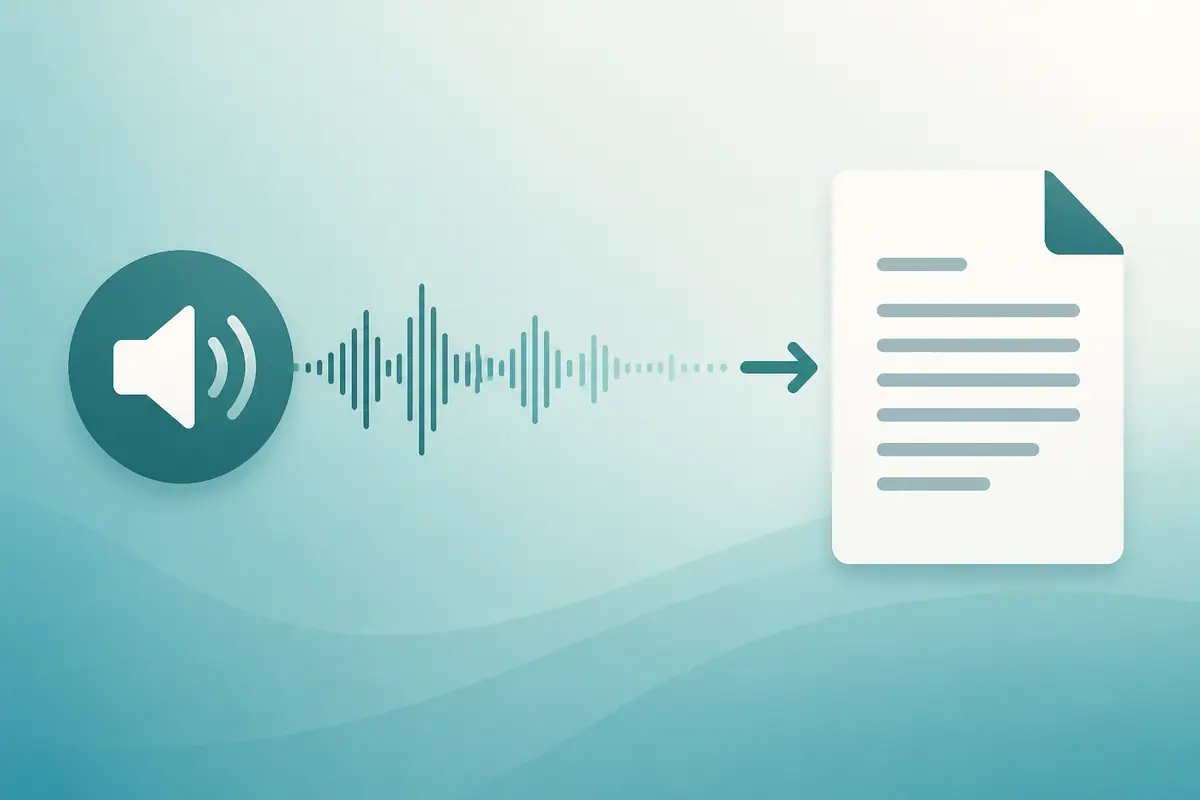
If you generate voiceovers in ElevenLabs (or another TTS tool), you often still need the words back as text—to proof the take, make captions, or hand a script to an editor. SayToWords fits that step: download the audio, upload it, get a transcript. There is no ElevenLabs plugin or “paste link” import.
Related reads in this cluster:

Why people search “ElevenLabs audio to text”

Typical reasons:
  1. Check the TTS take — catch wrong stress, odd names, or numbers before publishing
  2. Captions — need timed text for Shorts / Reels / YouTube
  3. Reuse — turn a finished voiceover into a blog draft or show notes
  4. No original script — someone else generated the audio; you only have the file
“TTS → transcript” is a workflow gap, not a replacement for ElevenLabs itself.
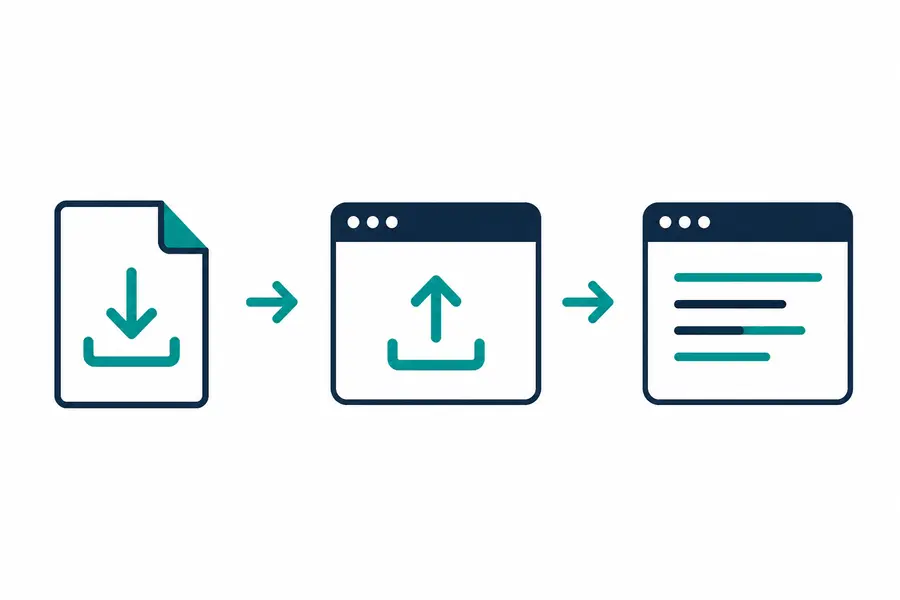
Export TTS audio then upload to get a transcript

What you need before you start

  • An audio or video file from ElevenLabs (or similar): often MP3 / WAV / M4A
  • SayToWords in the browser: saytowords.com
  • A few minutes to review names, brands, and numbers (AI drafts still miss those)
Formats on the upload UI commonly include MP3, WAV, M4A, OGG, MP4, MOV—use what the product lists when you upload.

Steps: ElevenLabs file → transcript

  1. In ElevenLabs, download the generated speech (or export the project audio).
  2. Open SayToWords and upload that file.
  3. Pick the spoken language from the UI list, or use auto-detect if available.
  4. Run transcription.
  5. Copy / download the text (and SRT / VTT / TXT when you need captions—see TTS audio to subtitles).
  6. Fix proper nouns before you publish.
Same pattern works for other TTS brands: if you can download an audio file, you can transcribe it this way.
Tool pages that match this flow:

When the transcript looks wrong

SituationWhat usually helps
Music or SFX under the voicePrefer a clean voice track if you have one
Rare brand / product namesManual pass after the draft
Very fast or stylized deliverySplit long files; review in chunks
Wrong language selectedRe-run with the correct language option
SayToWords does not pull audio from an ElevenLabs URL. File upload only.

FAQ

Can SayToWords open my ElevenLabs project directly?

No. Export or download the audio, then upload the file.

Is this only for English?

You choose a language supported in the product UI (or auto-detect when offered). For Thai-focused steps, see ถอดเสียง ElevenLabs ภาษาไทย.

Do I still need the original script?

If you have it, compare side by side—that’s often faster than editing blind. If you don’t, the transcript is your starting draft.

Summary

ElevenLabs audio to text here means: download TTS audio → upload to SayToWords → edit the draft. Use it to check takes, build captions, or recover a script from a file. Start at SayToWords, then continue with subtitles or the Thai guide.
Try It Free Now

Try our AI audio and video service! You can not only enjoy high-precision speech-to-text transcription, multilingual translation, and intelligent speaker diarization, but also realize automatic video subtitle generation, intelligent audio and video content editing, and synchronized audio-visual analysis. It covers all scenarios such as meeting recordings, short video creation, and podcast production—start your free trial now!

Sound to Text OnlineSound to Text FreeSound to Text ConverterSound to Text MP3Sound to Text WAVSound to Text with TimestampsSound to Text for MeetingsSound to Text Multi LanguageSound to Text SubtitlesConvert WAV to TextVoice to TextVoice to Text OnlineSpeech to TextConvert MP3 to TextConvert Voice Recording to TextVoice Typing OnlineVoice to Text with TimestampsVoice to Text Real TimeVoice to Text for Long AudioVoice to Text for VideoVoice to Text for YouTubeVoice to Text for Video EditingVoice to Text for SubtitlesVoice to Text for PodcastsVoice to Text for InterviewsInterview Audio to TextVoice to Text for RecordingsVoice to Text for MeetingsVoice to Text for LecturesVoice to Text for NotesVoice to Text Multi LanguageVoice to Text AccurateVoice to Text FastPremiere Pro Voice to Text AlternativeDaVinci Voice to Text AlternativeVEED Voice to Text AlternativeInVideo Voice to Text AlternativeOtter.ai Voice to Text AlternativeDescript Voice to Text AlternativeTrint Voice to Text AlternativeRev Voice to Text AlternativeSonix Voice to Text AlternativeHappy Scribe Voice to Text AlternativeZoom Voice to Text AlternativeGoogle Meet Voice to Text AlternativeMicrosoft Teams Voice to Text AlternativeFireflies.ai Voice to Text AlternativeFathom Voice to Text AlternativeFlexClip Voice to Text AlternativeKapwing Voice to Text AlternativeCanva Voice to Text AlternativeSpeech to Text for Long AudioAI Voice to TextVoice to Text FreeVoice to Text No AdsVoice to Text for Noisy AudioVoice to Text with TimeGenerate Subtitles from AudioPodcast Transcription OnlineTranscribe Customer CallsTikTok Voice to TextTikTok Audio to TextYouTube Voice to TextYouTube Audio to TextMemo Voice to TextWhatsApp Voice Message to TextTelegram Voice to TextDiscord Call TranscriptionTwitch Voice to TextSkype Voice to TextMessenger Voice to TextLINE Voice Message to TextTranscribe Vlogs to TextConvert Sermon Audio to TextConvert Talking to WritingTranslate Audio to TextTurn Audio Notes to TextVoice TypingVoice Typing for MeetingsVoice Typing for YouTubeSpeak to TypeHands-Free TypingVoice to WordsSpeech to WordsSpeech to Text OnlineOnline Transcription SoftwareSpeech to Text for MeetingsFast Speech to TextReal Time Speech to TextLive Transcription AppTikTok Speech to TextTikTok Sound to TextTalking to WordsTalk to TextTalk to Text FreeTalk to Text OnlineTalk to Text for YouTubeTalk to Text for SubtitlesTalk to Text for Content CreatorsTalk to Text for MeetingsAudio to TypingSound to TextVoice Writing ToolSpeech Writing ToolVoice DictationLegal Transcription ToolMedical Voice Dictation ToolJapanese Audio TranscriptionKorean Meeting TranscriptionMeeting Transcription ToolMeeting Audio to TextLecture to Text ConverterLecture Audio to TextVideo to Text TranscriptionSubtitle Generator for TikTokCall Center TranscriptionReels Audio to Text ToolTranscribe MP3 to TextTranscribe WAV File to TextCapCut Voice to TextCapCut Speech to TextVoice to Text in EnglishAudio to Text EnglishVoice to Text in SpanishVoice to Text in FrenchAudio to Text FrenchVoice to Text in GermanAudio to Text GermanVoice to Text in JapaneseAudio to Text JapaneseVoice to Text in KoreanAudio to Text KoreanVoice to Text in PortugueseVoice to Text in ArabicVoice to Text in ChineseVoice to Text in HindiVoice to Text in RussianWeb Voice Typing ToolVoice Typing Website