TTS Voiceover for Ads: Check the Take and Build Captions

Eric King
Author
TTS Voiceover for Ads: Check the Take and Build Captions
Paid and organic short ads often start as a TTS voiceover. Before you burn it into CapCut or an ad editor, you usually need two things: a proof of what was actually spoken, and a caption draft for mute autoplay.
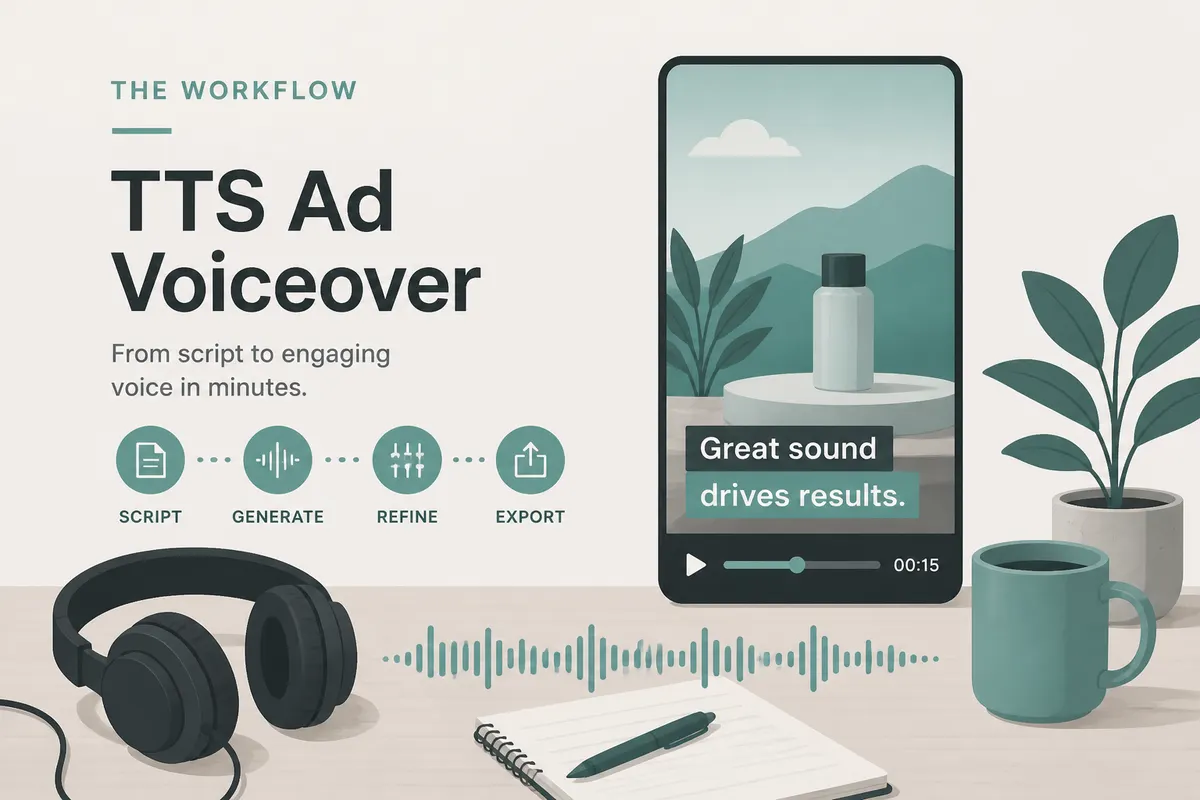
SayToWords covers that middle step: export the audio → upload → get text / timed captions when available → human-check prices and CTAs. It does not plug into ElevenLabs or paste an ad-manager URL.
Sibling guides:
- ElevenLabs audio to text
- TTS audio to subtitles
- Thai ad workflow: พากย์โฆษณาคลิปสั้นด้วย TTS
- EN script → Thai: แปลสคริปต์โฆษณาเป็นไทย
When this is worth doing
- You regenerated the voice and no longer trust the typed box
- An agency sent only the MP3; you need copy for compliance review
- Mute viewing is the default on TikTok / Reels / Shorts
- You’re localizing later and need a clean source transcript first
If you only need generic “TTS → text,” the ElevenLabs guide is enough. This page is the ads / commercial angle: prices, CTAs, and ship checklist.
Steps
- In your TTS tool, download a voice-forward file (music bed off if you can).
- Upload to SayToWords.
- Set language to what is spoken (or auto-detect if offered).
- Transcribe; export TXT and, when available, SRT / VTT.
- Diff against the approved script: SKUs, discounts, legal lines, URLs.
- Import captions into your editor; keep lines short for mobile.
Product page: Generate subtitles from audio.
Pre-flight checklist for ad audio
| Check | Why |
|---|---|
| Price / % off | Wrong numbers = compliance pain |
| Brand / product names | STT and TTS both invent spellings |
| CTA clarity | Must read in 1–2 short lines |
| First-second hook | Scroll speed kills soft opens |
| Line length | Mobile captions can’t carry paragraphs |
Treat the transcript as a draft. SayToWords is not a creative-compliance tool.
FAQ
Does this replace writing the ad script?
No. It recovers or verifies spoken audio. Write and approve the script elsewhere.
English voiceover, Thai captions next?
Transcribe English first, then translate—see ad-script-translate-thai and ถอดเสียงแล้วแปลไทย.
CapCut already has auto captions—why upload here?
Auto captions inside an editor are fine for drafts. Uploading a clean TTS file is useful when you want a separate transcript for review, reuse, or handoff before the edit is finished.
Summary
TTS ad voiceover → file → SayToWords → proof + captions → editor.
Start at SayToWords. For brand-specific TTS steps, use ElevenLabs audio to text; for timing-focused export tips, use TTS audio to subtitles.
Start at SayToWords. For brand-specific TTS steps, use ElevenLabs audio to text; for timing-focused export tips, use TTS audio to subtitles.