TTS Audio to Subtitles: From Voiceover File to SRT / VTT

Eric King
Author
TTS Audio to Subtitles: From Voiceover File to SRT / VTT
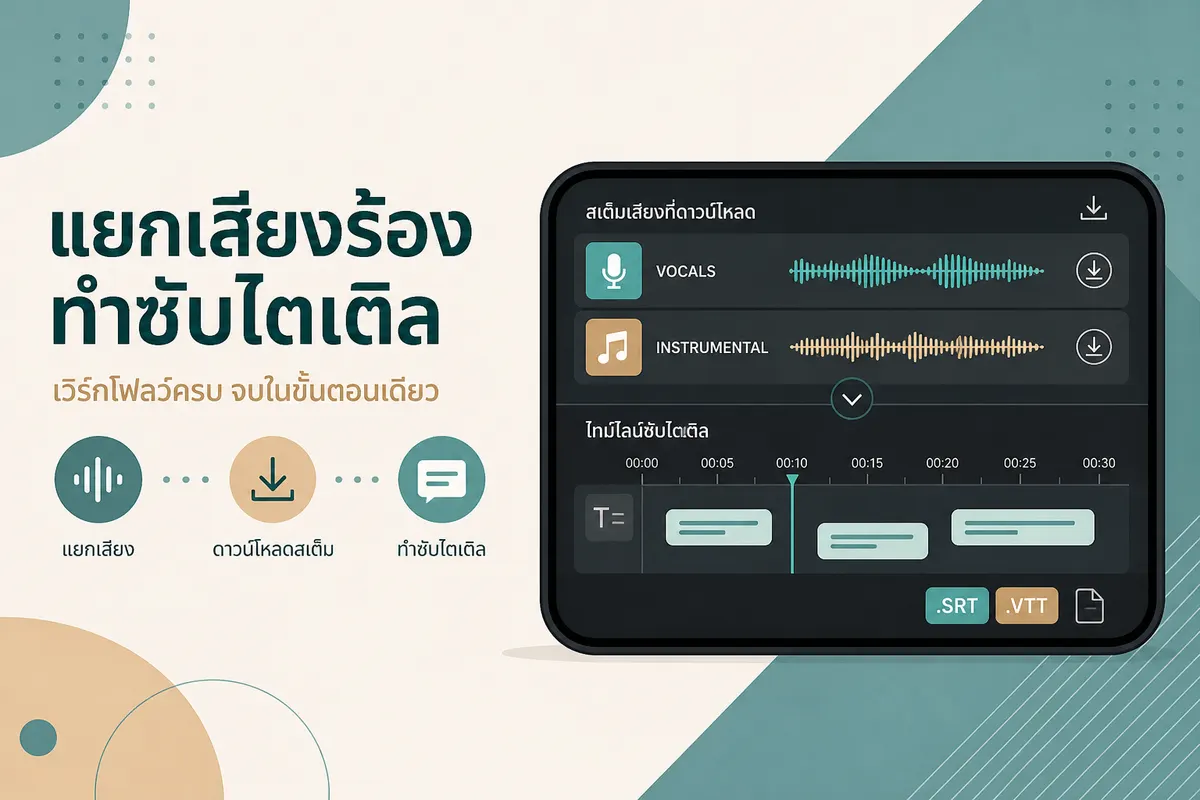
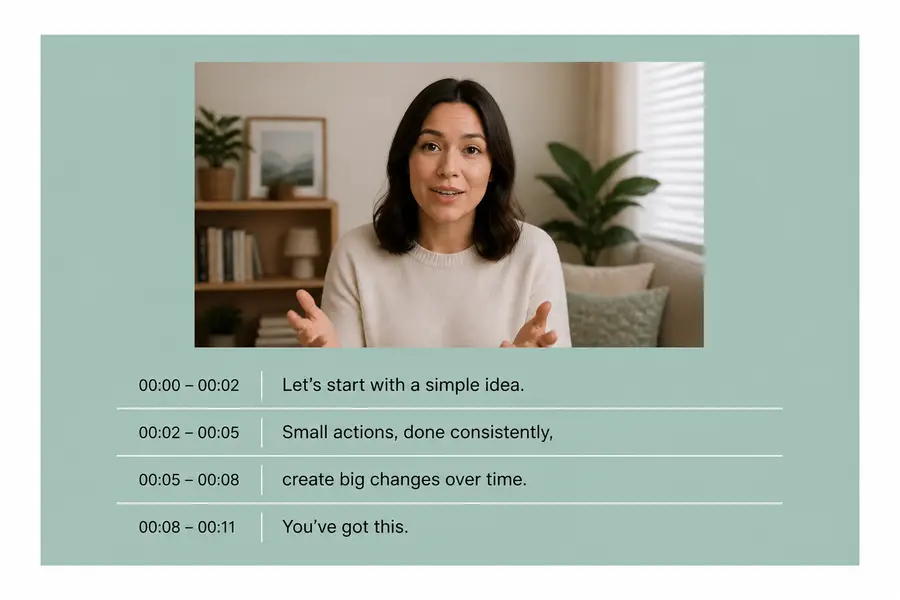
You already have a TTS voiceover. Next job: captions. On SayToWords that means upload the audio (or video), get timed text where the product supports it, then tidy lines in CapCut or your NLE.
This is the caption-focused sibling of ElevenLabs audio to text. Thai steps: ถอดเสียง ElevenLabs. Ads angle: TTS voiceover for ads.
When this workflow fits
- Short-form video with a pre-made TTS track
- Course / explainers where you want burnt-in or sidecar captions
- Checking that spoken lines match what you intended to say
If you only need a plain script (no timing), the transcript guide is enough.
Steps
- Export a clean voice file from your TTS tool when possible (less music = cleaner cues).
- Upload to SayToWords.
- Choose language / auto-detect as available.
- Transcribe.
- Export SRT or VTT when offered in the export step (also TXT for a plain draft).
- Import into your editor; shorten lines for mobile (roughly one idea per 1–2 lines).
Product page: Generate subtitles from audio.
Editing tips that actually matter
- Hook lines in the first 1–2 seconds—viewers read those first on mute
- Break before commas that create huge on-screen blocks
- Re-check prices, URLs, and brand spellings—TTS and STT both invent those sometimes
- If timing feels early/late, nudge cues in the editor; don’t expect a perfect burn-in from the first export
SayToWords is not a full subtitle designer. It gives you a timed draft from the file you upload.
FAQ
MP3-only voiceover—can I still get SRT?
Yes if transcription + subtitle export succeed for that job. You don’t need a video file just to get a caption file; you need the audio (or A/V) you want timed.
ElevenLabs already showed the script—why STT again?
Because the spoken take can drift from the typed box (regenerated voices, edits, truncated exports). Captions should match what viewers hear.
Thai captions?
Transcribe with the language that matches the audio, then edit. For Thai-language workflow notes see ถอดเสียง ElevenLabs ภาษาไทย.
Summary
TTS → subtitles = upload the voice file → export SRT/VTT when available → tighten in your editor. Start at SayToWords. For plain text recovery, use ElevenLabs audio to text.