Lao Voice to Text for Subtitles: Practical Workflow for Fast Caption Publishing

Eric King
Author
Lao Voice to Text for Subtitles: Practical Workflow for Fast Caption Publishing
When caption turnaround is the bottleneck, transcript-first workflow helps: convert voice to editable text, then produce subtitle-ready output with fewer manual loops.
This page focuses on practical execution for Lao-market content teams and creators.
Why this is a high-intent use case
- Subtitle publishing needs speed and consistency.
- Manual typing from audio is slow and error-prone.
- Teams often need reusable text for multiple channels.
If you can turn one audio file into a clean text base quickly, downstream content production becomes easier.
Workflow
- Export your source audio/video file.
- Upload to SayToWords.
- Select spoken language and transcribe.
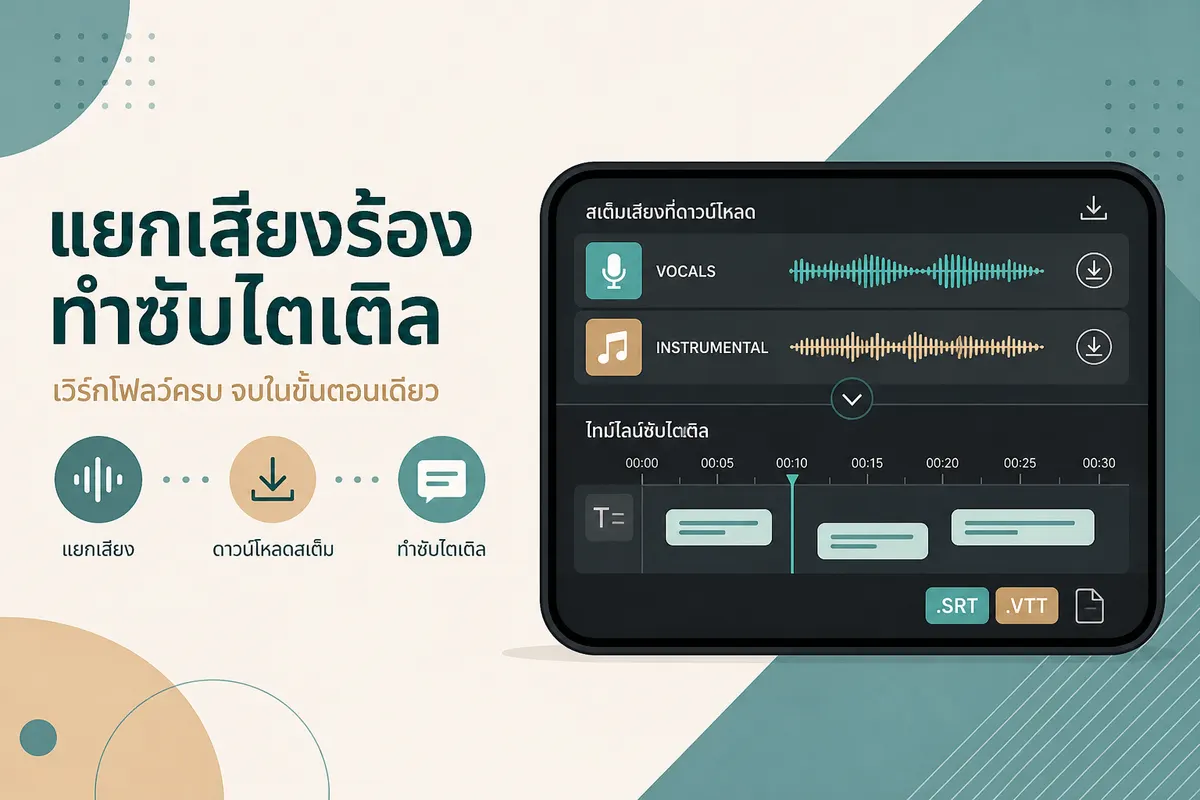
- Export editable text and subtitle draft formats when available.
- Edit line breaks/timing in your subtitle editor.
- Publish channel-specific versions.
Related pages:
Subtitle review checklist
| Checkpoint | Why |
|---|---|
| Hook line readability | In-feed retention depends on first seconds |
| Proper names/brand terms | High-error fields in drafts |
| Numeric content | Prices, dates, percentages require manual verification |
| Timing alignment | Bad sync lowers perceived quality |
| Platform-specific wording | Caption style should match channel behavior |
Common mistakes
Relying on one-pass auto output
Treat transcript as draft output. A short human pass is still required for publish quality.
Using identical captions on every platform
Different platform layouts need different line length and pacing.
Skipping reusable transcript archive
Keep cleaned transcript files for future repurposing and internal search.
FAQ
Can I use this for short videos and long recordings?
Yes. The same workflow applies, but long files benefit from chunked review.
Is subtitle format export required?
Not always. You can start from TXT and create timeline captions later, but SRT/VTT speeds up editing.
Is this only for content creators?
No. Support, ops, and training teams can also use transcript-first workflow for faster documentation.
Summary
For Lao-market subtitle workflows, the practical path is file-first transcription plus light manual review. This gives faster publishing and cleaner multi-channel reuse.
Start with: